TL;DR

Get audio and creator gear delivered free with Prime
- Fast, free delivery on millions of items
- Prime Video, Amazon Music and more included
- Member-only deals all year
Your interface’s volume knob is fine for casual listening, but a dedicated monitor controller offers more control, flexibility, and better sound for professional setups. Upgrading depends on your gear complexity and monitoring needs.
Ever wondered if that tiny volume knob on your audio interface is enough? Chances are, as your studio grows, so do your needs. Relying solely on a built-in interface knob can limit your control and compromise your workflow.
In this guide, you’ll see exactly when a dedicated monitor controller becomes your best friend — offering better precision, multiple source management, and a more professional listening experience. Let’s decode whether it’s time for an upgrade.
A simple interface volume knob is fine for casual listening but limits control in complex setups.
Modern monitor controllers offer precise, smooth volume adjustments and better source management.
If you juggle multiple speakers or need accurate calibration, upgrading is a smart move.
The investment in a monitor controller pays off with improved workflow and sound fidelity.
Choose your gear based on your current needs and future plans — don’t upgrade just for the name.
Monitor Controller vs Interface Volume Knob
When should one knob become a command center? Your interface is often enough for a simple setup. A dedicated controller earns its place when precision, repeatable levels and fast switching begin to shape the quality of your work.
One listening path, basic production and casual playback.
Multiple speakers, sources, headphones and calibrated levels.
Upgrade when routing friction or inconsistent levels interrupt decisions.
Convenience versus control
An interface knob changes the main output level. A monitor controller manages the wider listening system: sources, speakers, headphones, calibration and rapid checks such as mute, dim and mono.
Small moves matter
Fine attenuation makes low-level adjustments smoother and helps avoid distracting jumps while balancing a mix.
Return to a reference
Clear level indication and calibration make it easier to revisit known listening levels across speakers and sessions.
Switch without friction
Move between monitors, headphones and external sources without repatching cables or disrupting the creative flow.
Interface knob
A focused solution for a direct, uncomplicated monitoring path.
Monitor controller
A centralized layer for routing, comparison and level discipline.
What changes after the upgrade?
The practical tradeoff is straightforward: the built-in knob wins on simplicity and price; the dedicated controller wins when monitoring requires precision, more destinations and faster comparisons.
| Feature | Interface volume knob | Dedicated monitor controller |
|---|---|---|
| Purchase cost | ✓Included with interface | ~Typically $150–$1,000+ |
| Input management | ✗Usually one built-in path | ✓Multiple switchable sources |
| Speaker switching | ~Model-dependent or limited | ✓Designed for A/B comparison |
| Low-level precision | ~Basic; performance varies | ✓Fine, smooth attenuation |
| Reference functions | ✗Often absent | ✓Mute, dim, mono, calibration |
| Setup complexity | ✓Plug in and work | ~Extra routing and calibration |
| Best fit | Casual listening and simple production | Critical mixing and complex monitoring |
Feature availability and attenuation quality vary by product; evaluate the signal path, specifications and workflow of the exact unit.
The controller earns its keep between decisions
Its real value is not “more volume.” It is faster, more repeatable judgment: compare speakers instantly, work quietly with finer control and return to calibrated levels without guesswork.
From source to confident decision
A dedicated controller creates a visible, repeatable chain between what you play and what you hear. Each stage removes a small source of friction or uncertainty.
Sources
Interface, computer or external playback.
🎵 InputRoute
Select the listening source instantly.
🔀 SwitchAttenuate
Set a precise, comfortable level.
🎚️ ControlCompare
Match and switch monitor paths.
🔊 ReferenceDecide
Judge balance with less uncertainty.
◎ ConfidenceIs your setup asking for more?
Count recurring problems, not aspirational features. If several of these conditions describe your daily work, the upgrade is likely solving a real constraint.
Your monitoring command center
The best choice fits the studio you actually use today while leaving sensible room for tomorrow’s routing and monitoring needs.
An interface knob remains a smart choice for casual listening and simple production.
A controller adds fine volume adjustment and more dependable switching.
Multiple speakers, headphones or sources are the clearest upgrade signals.
Calibration and instant reference checks improve workflow consistency.
Buy for measurable needs and future routing—not prestige or feature count.
If your monitoring path is simple and predictable, keep the interface knob. If switching, precision or calibration has become part of the work, a dedicated monitor controller is a strategic upgrade.
What’s the real difference between your interface knob and a monitor controller?
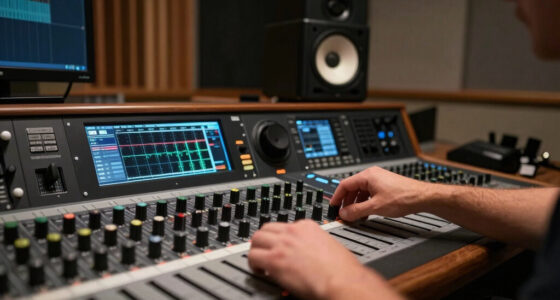
The interface volume knob is a simple, built-in control that adjusts your main output level. It’s designed for convenience, but it often lacks finesse. A monitor controller, on the other hand, is a dedicated hardware device that manages multiple inputs and outputs with high-precision volume control.
Understanding why this matters requires recognizing that volume control isn’t just about loudness—it’s about accuracy, repeatability, and flexibility. An interface knob might jump in noticeable steps or be affected by digital volume scaling, leading to inconsistent levels. This can affect your mix decisions, especially when fine-tuning or referencing across different monitors.
A monitor controller provides smooth, incremental adjustments that preserve audio quality and allow for precise calibration. It enables you to switch sources quickly, compare mixes on different speakers, and maintain consistent levels—crucial for critical listening and professional production.
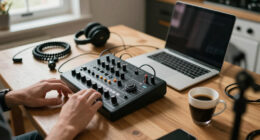
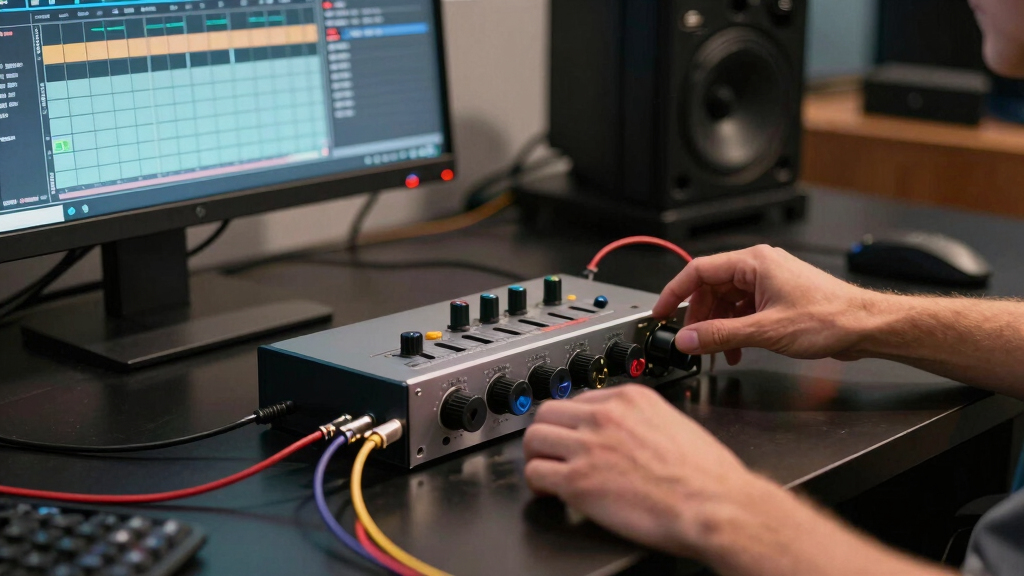
monitor controller for studio setup
As an affiliate, we earn on qualifying purchases.
As an affiliate, we earn on qualifying purchases.
What’s new in monitor controllers? Find out what’s changing in 2024
Modern monitor controllers have evolved fast, blending digital tech with tactile controls. Many now include remote apps, USB/Bluetooth connectivity, and high-res digital displays that show exact levels.
New models offer ultra-fine volume steps, reducing that annoying ‘volume jump’ when you turn the knob slightly. This is crucial for critical listening or mixing at low levels.
Some even incorporate room correction, talkback microphones, and headphone amps — turning your setup into a mini studio control center.
These advancements mean you can achieve more accurate levels, better integrate with digital workflows, and tailor your monitoring environment to your room acoustics. The tradeoff is often a slightly higher cost and a learning curve, but the payoff is a much more reliable and professional monitoring setup.
audio interface volume knob replacement
As an affiliate, we earn on qualifying purchases.
As an affiliate, we earn on qualifying purchases.
Is it time to ditch your interface knob? Here’s when a monitor controller makes sense
If you’re still using just your interface’s volume knob, ask yourself: Do I need more? Consider a monitor controller if:
- You use multiple speakers or headphones regularly, and need quick, reliable switching to compare or reference.
- Precise volume control at low levels is critical—small changes can significantly impact your mix or listening experience.
- You want to avoid unplugging and replugging cables when switching sources, which can introduce noise or risk damaging connectors.
- You’re aiming for a more professional, efficient workflow that minimizes distractions and maximizes accuracy.
- You require features like speaker calibration, mono summing, or multiple outputs for complex setups.
Adding a monitor controller isn’t just about convenience; it’s about gaining control over your environment. It allows you to focus on your creative process without constantly adjusting levels or worrying about inconsistent sound. This consistency can lead to better mixes and less fatigue over long sessions.
As an affiliate, we earn on qualifying purchases.
How do you compare a monitor controller and an interface knob? Here’s the breakdown
| Feature | Interface Volume Knob | Monitor Controller |
|---|---|---|
| Price Range | Low (free with your interface) | Medium to High ($150–$1000+) |
| Number of Inputs | One (built-in) | Multiple (with switching capabilities) |
| Control Precision | Basic, often jumps in small increments | High, with fine attenuation and smooth adjustments |
| Additional Features | None | Mute, dim, mono, calibration, remote control, source switching |
This comparison isn’t just about price or features—it reflects the core tradeoff: simplicity and affordability versus control and precision. For critical listening, mixing, or mastering, the extra investment in a monitor controller can significantly improve your ability to make accurate decisions, reduce fatigue, and streamline your workflow.
As an affiliate, we earn on qualifying purchases.
When should you upgrade? Here’s a quick checklist
Ask yourself these questions to determine if a monitor controller is right for you:
- Am I juggling multiple speakers or headphones daily, and need quick, reliable switching?
- Do I require precise, incremental volume adjustments that help me fine-tune at low listening levels?
- Is source switching frequent and cumbersome, affecting my workflow?
- Am I aiming for consistent sound levels and accurate calibration across my setup?
- Does my current workflow feel limited or prone to errors that a dedicated controller could solve?
If most answers are ‘yes,’ then investing in a monitor controller isn’t just a convenience—it’s a strategic upgrade. It can save you time, reduce mistakes, and elevate your mix quality by providing reliable, accurate control over your monitoring environment.
What’s the real benefit of upgrading? Why it matters
Upgrading from a simple knob to a dedicated monitor controller isn’t just about extra features; it’s about gaining confidence in your monitoring accuracy. Better control leads to more consistent mixes, fewer errors, and faster decision-making. The ability to switch sources instantly, calibrate your speakers precisely, and mute or solo channels without fuss means you can focus entirely on your creative work.
This consistency is especially important in professional environments, where even small level discrepancies can affect the quality of your mix or mastering. The tradeoff involves initial cost and setup effort, but the long-term benefits—reliable sound, smoother workflow, and less fatigue—are well worth it.
In essence, a monitor controller acts as the command center of your studio, ensuring that every decision you make is based on accurate, stable monitoring—crucial for achieving professional-grade results.
Your best move? Focus on what matters most
The key is matching your gear and goals with the right control tools. If you’re just starting out or doing casual projects, your interface knob might suffice. But if you’re serious about mixing, mastering, or working with multiple sources, a monitor controller can drastically improve your workflow and sound quality.
Think ahead: Will you expand your setup? Do you need more precise control or calibration? Investing now in the right hardware can prevent future headaches and elevate your productions. It’s about making informed decisions that align with your professional ambitions and ensuring your monitoring environment supports your creative goals.
Frequently Asked Questions
Do I need a monitor controller if I already have an audio interface?
Not always. If your setup is simple, the interface’s volume knob might be enough. But if you use multiple sources, want finer control, or need quick switching, a monitor controller makes life easier and your sound more consistent.
What features should I look for in a monitor controller?
Prioritize multiple inputs and outputs, precise volume control, mute/dim functions, speaker calibration, and headphone outputs. These features help streamline your workflow and improve your monitoring accuracy.
Is upgrading worth the cost?
If you often find yourself adjusting levels manually, struggling with source switching, or aiming for more professional sound, then yes. A monitor controller enhances control, sound fidelity, and efficiency — making it a worthy investment.
Can I upgrade my existing setup easily?
Most monitor controllers are compatible with standard audio connections like XLR, TRS, or RCA. Check your gear’s inputs and outputs, then choose a model that matches. Installation is straightforward, usually just plugging in cables.
How does a monitor controller improve my workflow?
It simplifies source switching, provides consistent levels, and adds features like speaker calibration and mono monitoring. These improvements help you make better mixes faster and with less hassle.
Conclusion
Think of your monitor setup as the steering wheel of your studio. A basic knob is like a bicycle handlebar — simple but limited. A monitor controller is a sports car — faster, smoother, more precise.
If your setup is growing, don’t settle for less. Upgrade now, and turn your monitoring into a powerful tool for better music and sharper mixes.
Evergreen bestsellers Picks
bestsellers
As an affiliate, we earn on qualifying purchases.