
TL;DR

Get audio and creator gear delivered free with Prime
- Fast, free delivery on millions of items
- Prime Video, Amazon Music and more included
- Member-only deals all year
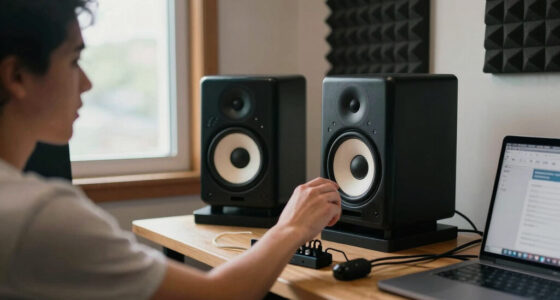
Rear-ported monitors boost bass through their back ports, but placing them close to walls causes exaggerated, boomy sound. Proper spacing, room treatment, and choosing the right monitor design can tame this issue.
Ever cranked your studio monitors against a wall and wondered why the bass suddenly feels like it’s taking over the room? That’s no coincidence. Rear-ported monitors are designed to boost low frequencies, but their placement near walls can turn that advantage into a muddled, boomy mess.
This guide explains exactly why this happens, how to spot it, and what practical steps you can take to keep your bass tight and controlled. Whether you’re working on a budget or have a high-end setup, understanding how placement impacts sound is the first step to better mixes and more accurate listening.
Placing rear-ported monitors within 6-12 inches of a wall causes boundary reinforcement, which can boost bass by up to 20%.
Moving your monitors just a few inches away from the wall can dramatically reduce bass boominess.
Front-ported and sealed monitors are more forgiving of close wall placement, making them better choices for small rooms.
Using bass traps and acoustic treatments can help control boundary effects, even if your placement isn’t perfect.
Understanding your monitor’s design and room limitations is key to achieving tight, balanced bass.
How Rear-Ported Monitors Generate Deep Bass — and Why Walls Mess That Up
Rear-ported monitors use a tube at the back to enhance bass response. When you turn them on, air moves freely through that port, adding depth and punch to the low end. It’s like giving your bass a turbo boost.
But this design is sensitive to what’s around you. When placed close to a wall, the sound waves from the port bounce off the surface, stacking on the direct sound.
This boundary reinforcement causes certain bass frequencies to become exaggerated, making the sound boomy and less precise. Think of it like shouting into a canyon — the sound echoes and amplifies.
For example, if your monitor’s port is within 2 inches of the wall, you might notice the bass becomes muddy, with a ‘thump’ that masks clarity and detail.
Understanding this physics is crucial because it highlights a fundamental tradeoff: while rear ports can give you richer bass, they also make your setup more vulnerable to boundary effects. This means that without proper placement, the very feature that enhances low-end response can undermine your overall sound clarity.
As an affiliate, we earn on qualifying purchases.
The Science Behind Bass Boom: How Walls Amplify Low Frequencies
Walls act like giant bass amplifiers because they reflect sound waves back toward the listener. When a rear-ported monitor emits low-frequency waves, these waves bounce off the nearby surfaces and reinforce each other, creating a cumulative effect. This reinforcement isn’t just louder; it alters the tonal balance, making bass sound exaggerated or boomy.
According to an anonymous researcher at ArtzArtz, placing a monitor within 6 inches of a wall can increase bass levels by 15-20%. This increase isn’t just about volume—it can distort your perception of the low end, leading you to make mixing decisions based on inaccurate sound cues. Overemphasized bass can mask issues in the mix, such as muddiness or lack of clarity, which can be detrimental in the final production.
Imagine a drum in a small, tiled bathroom. The sound bounces off the surfaces, multiplies, and feels overwhelming. This effect is compounded when your monitor is too close to a wall, as the boundary reinforcement artificially inflates bass response. Recognizing this is vital because it underscores the importance of proper placement: too close, and your bass becomes a misleading echo chamber; too far, and you might lose the desired low-end punch.
The key tradeoff here is balancing proximity for maximum bass response against the risk of boundary-induced boominess. Adjusting placement and room acoustics can help you find that sweet spot where bass is full but controlled.
As an affiliate, we earn on qualifying purchases.
How to Place Rear-Ported Monitors to Avoid Bass Boom
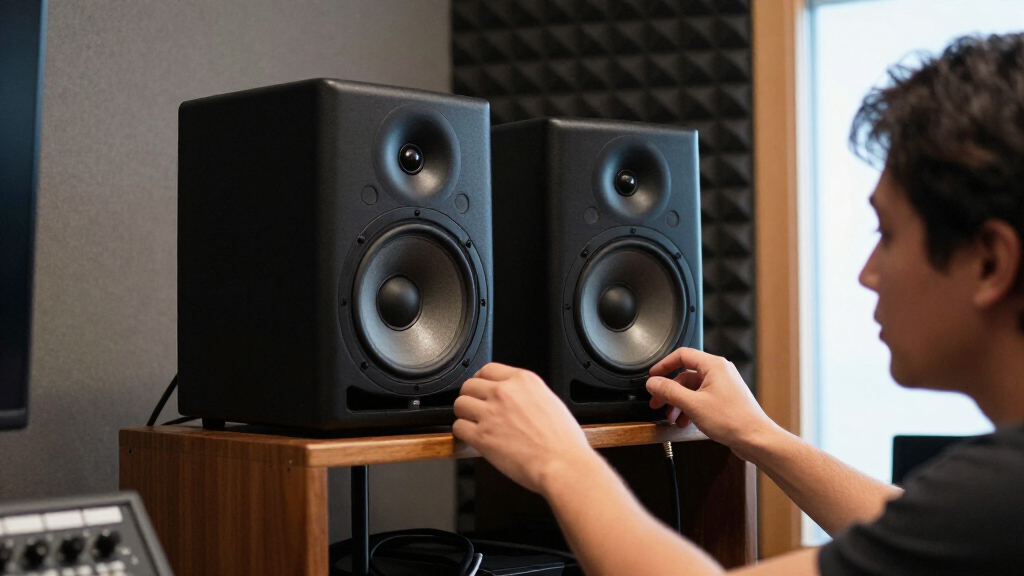
- Start by positioning your monitors at least 12 inches away from the wall behind them. This distance allows the port’s sound waves to disperse into the room rather than bouncing straight back, reducing boundary reinforcement and preventing bass exaggeration.
- Adjust the angle of your monitors slightly inward to focus the sound toward your listening position, not the wall. This inward tilt helps direct low-frequency energy into the room’s acoustics, minimizing boundary reflections.
- Use acoustic treatments like bass traps behind and around your monitors to absorb reflected low frequencies. Proper placement of traps can significantly cut boundary reinforcement, making the bass tighter and more accurate.
- Experiment with different distances, listening carefully to how the bass responds. Small shifts—just a few inches—can dramatically improve clarity and reduce boominess, as they alter how sound waves interact with your room boundaries.
- If space is limited, consider switching to front-ported or sealed monitors. These designs are less sensitive to proximity effects because their low-frequency energy is directed forward or enclosed, reducing the risk of boundary-induced boom.
For example, moving a monitor just 6 inches farther from the wall in a small project studio noticeably reduced bass boominess, leading to clearer, more balanced mixes.
In essence, thoughtful placement combined with room treatments can make a significant difference in controlling boundary effects, ensuring your bass stays tight and accurate.
As an affiliate, we earn on qualifying purchases.
Are Front-Ported or Sealed Monitors Better for Near-Wall Placement?
Front-ported and sealed monitors are generally less sensitive to wall proximity because their design directs low frequencies forward or encloses the driver, reducing the boundary interactions that cause boominess. This means they maintain a more consistent sound even when placed close to surfaces, which is a crucial advantage in small or constrained spaces.
Front-ported monitors have the port at the front, which directs bass energy toward the listening area instead of the wall. This design minimizes boundary reinforcement because the low frequencies are less likely to reflect back into the driver from behind the monitor. Sealed monitors, on the other hand, have an enclosed cabinet that prevents low frequencies from escaping in a way that would interact with nearby surfaces, offering a more controlled bass response in tight spaces.
For example, a small home studio with limited space might benefit from sealed monitors because they won’t turn boomy just because they’re close to a wall. This design tradeoff allows for more flexible placement without sacrificing sound quality.
Choosing the right monitor depends on your room size and how close you need to place them. But if space is tight, front-ported or sealed designs often provide a more reliable, balanced sound, reducing the need for extensive room treatment or repositioning.
As an affiliate, we earn on qualifying purchases.
Can Room Treatments Help Fix Bass Boom From Rear-Ports?
Yes. Acoustic treatments like bass traps and diffusers can significantly reduce boundary effects by absorbing or scattering reflected low frequencies. These treatments diminish the boundary reinforcement that causes bass to sound exaggerated or boomy, allowing you to achieve a more balanced and accurate low end.
Imagine putting a thick blanket over your monitor’s rear wall — the boom diminishes, and sound clarity improves. Properly placed bass traps in corners and along the walls can cut boundary reinforcement by up to 50%, according to various room acoustics studies. This reduction can make a noticeable difference, especially in smaller or untreated rooms.
While treatments don’t completely eliminate boundary effects, they help create an environment where your monitors’ placement flexibility increases and bass response becomes more predictable. This is particularly important when room dimensions or furniture placement limit your ability to move monitors far from walls.
For example, a home studio with strategically placed bass traps in each corner found that bass boom decreased noticeably, giving a cleaner, tighter low end and more reliable listening environment.
In summary, acoustic treatments are a practical and effective way to improve sound quality in small or challenging rooms, especially when repositioning monitors isn’t feasible.
Frequently Asked Questions
Why do my rear-ported monitors sound boomy when placed against the wall?
Because the rear port’s low-frequency waves reflect off the wall and reinforce each other, causing exaggerated bass and muddiness. Moving the monitors away from the wall helps reduce this effect.How close can I place rear-ported monitors to a wall without affecting sound quality?
Typically, at least 6 to 12 inches of space is recommended. Less than that, and boundary reinforcement can cause noticeable bass boom. Experiment with your specific room and monitor setup.Should I switch to front-ported or sealed monitors if I have limited space?
Yes. They are less sensitive to boundary effects, making them a better choice in tight spaces. This helps keep bass tight and clear, even when close to walls.Can acoustic treatments fix bass boom caused by placement?
Absolutely. Bass traps and diffusers absorb or scatter low frequencies, reducing boundary reinforcement and making your room sound more balanced.Are there monitors designed specifically to handle near-wall placement better?
Yes, some modern monitors incorporate design features or DSP to minimize boundary effects, making them more suitable for close placement without bass boom.Conclusion
The secret to tight, accurate bass isn’t just in your monitor’s driver or fancy specs — it’s in how you place them. Rear-ported monitors are powerful tools, but only if you respect the boundary effects they bring.
By giving your monitors some space, adding acoustic treatments, and choosing the right design for your room, you prevent bass from turning into a muddy mess. Clear, controlled low end isn’t magic — it’s good placement and room awareness.
Halloween Picks
halloween
As an affiliate, we earn on qualifying purchases.