TL;DR

Get audio and creator gear delivered free with Prime
- Fast, free delivery on millions of items
- Prime Video, Amazon Music and more included
- Member-only deals all year
Choosing the right drawing tablet size depends on your workspace, skill level, and budget. Small tablets are portable, medium offers balance, and large screens suit detailed, professional work.
Ever try to draw on a tiny phone screen? It’s frustrating. Now imagine trying to create detailed artwork on a tablet that’s too small or too bulky. Picking the right size isn’t just about space—it’s about how comfortably and efficiently you can work. Whether you’re sketching quick ideas or crafting detailed illustrations, your tablet size shapes your entire process.
This guide breaks down what each size offers, what recent tech developments mean for your choice, and how to pick the perfect fit based on your needs. No fluff—just honest advice from someone who’s built studios on a shoestring budget.
Choose small tablets (7-10") if portability and affordability matter most.
Medium tablets (10-13") offer a balanced mix of workspace and portability for most artists.
Large tablets (13+") excel in detailed, professional work but sacrifice portability.
Recent tech advances make larger, high-res displays more accessible and versatile.
Always match your tablet size to your typical workflow, workspace, and comfort needs.
What Drawing Tablet Size Do You Need?
Small, medium or large? The right answer depends less on the biggest screen you can afford and more on how, where and how long you draw. Match the active area to your workspace, movement and creative ambitions.
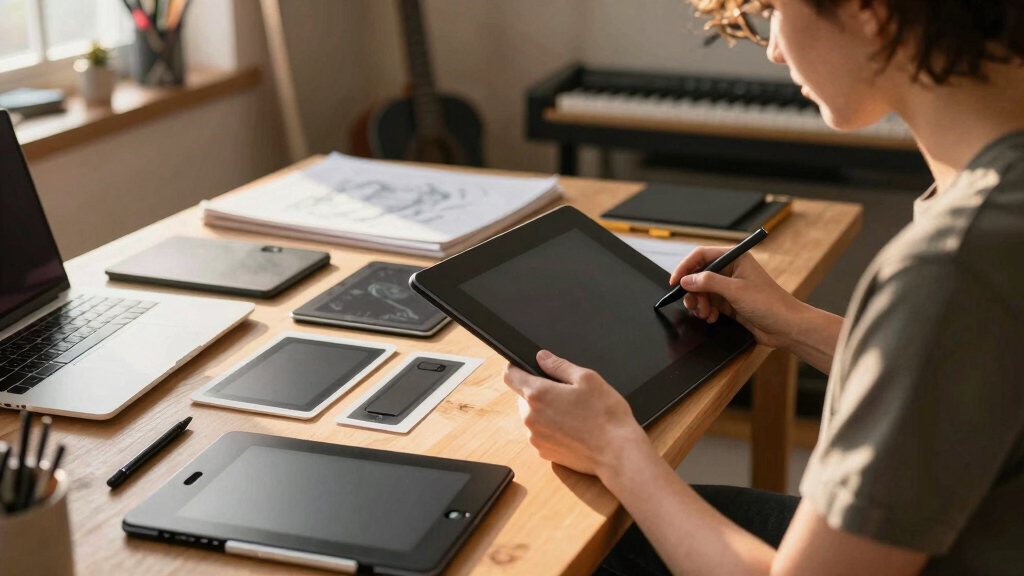
Three sizes. Three distinct workflows.
Tablet dimensions affect much more than desk space. They change the scale of your hand movements, how often you zoom, what fits in your bag and how naturally the digital canvas responds to your body.
Small
7–10 inchesThink of it as a digital sketchbook: quick to deploy, easy to pack and forgiving on a starter budget.
- Best portability
- Lowest typical cost
- More zooming and panning
- Ideal for travel and learning
Medium
10–13 inchesClose to a familiar sheet of paper, with enough room for controlled strokes but no demand for a permanent studio.
- Balanced active area
- Moderate portability
- Comfortable for most artists
- Strong hobbyist and semi-pro fit
Large
Over 13 inchesA dedicated workstation for expansive gestures, fine detail, animation timelines and long professional sessions.
- Maximum working area
- Fewer view adjustments
- Natural arm-led strokes
- Higher cost and weight
The working-size spectrum
Mobility → DetailWhich size fits your style?
Medium is the safest default for mixed use. Move smaller when mobility dominates; move larger when detailed production, long sessions and broad strokes justify a fixed setup.
| Factor | Small · 7–10″ | Medium · 10–13″ | Large · 13″+ |
|---|---|---|---|
| Portability | ✓ High | ~ Moderate | ✕ Low |
| Workspace | ✕ Limited | ✓ Balanced | ✓ Extensive |
| Typical cost | ✓ Low | ~ Moderate | ✕ High |
| Natural strokes | ~ Compact | ✓ Comfortable | ✓ Expansive |
| Best for | Beginners, travel, quick sketches | Hobbyists, students, semi-pros | Illustration, concept art, animation |
Size is becoming a choice—not a compromise.
Sharper displays, wireless links and better pens now make compact devices more capable and large devices more flexible. The question is increasingly about fit, not technical limitation.
High-resolution displays
Up to 4K panels make fine lines, textures and color decisions clearer, especially on larger pen displays.
Portable hybrids
Devices around 11–13 inches combine quality screens, mobile software and battery power in one portable studio.
Better pen response
Low latency, pressure sensitivity and tilt recognition improve precision across every physical size.
Wireless freedom
Bluetooth and wireless connections reduce cable clutter and make flexible working positions easier.
Start with your life, then choose the screen.
The correct size is the one that removes friction from your actual routine. Follow the chain from location and movement to budget and task complexity.
Where?
Commute, shared desk, home office or permanent studio?
How?
Small wrist marks or broad, shoulder-led drawing gestures?
What?
Quick sketches, finished illustration, animation or concept art?
Choose
Small for mobility, medium for balance, large for production.
Display or non-display?
A display tablet feels direct because you draw on the image itself. A non-display tablet costs less, travels well and uses your computer monitor—often the smarter beginner purchase.
Remember the active area
Advertised device size and usable drawing area are not always identical. Check the active-area dimensions, overall footprint and compatibility before buying.
Before you commit.
A bigger device is valuable only when its extra canvas improves your work without creating new problems for your desk, posture, bag or budget.
What is best for a beginner?
A small or medium non-display tablet around 7–13 inches is affordable, manageable and large enough to learn core drawing habits.
Is a larger tablet worth it?
Usually yes for detailed professional work, animation and long sessions. It reduces view adjustments and supports broader movement.
What about wrist comfort?
Larger active areas encourage more natural arm movement. Small tablets can feel cramped if you draw for hours or rely on sweeping strokes.
What is the portable sweet spot?
Roughly 11–13 inches offers useful canvas space while remaining practical for commuting, shared desks and mobile work.
What Small, Medium, and Large Drawing Tablets Actually Do for You
Size matters. It influences your workflow, portability, and even your wrist comfort. Small tablets (around 7-10 inches) are perfect for on-the-go artists or those with limited desk space. They’re lightweight, easy to pack, and usually cheaper. Think of them as your sketchbook that fits in your bag.
Medium tablets (10-13 inches) strike a nice balance. They give enough workspace without feeling overwhelming. If you work mostly at a desk but want some portability, this size feels natural. It’s like drawing on a standard sheet of paper—familiar and comfortable.
Large tablets (over 13 inches) are built for serious work. They bring your canvas closer to real life. Artists doing detailed illustrations, concept art, or animation often prefer these. The tradeoff? They’re heavier, more expensive, and less portable—think of them as your dedicated studio workstation.
As an affiliate, we earn on qualifying purchases.
How Recent Tech Changes Make Choosing Size More Complex (and More Exciting)
Technology has blurred the lines. Today’s high-res screens, like 4K displays on some large tablets, make detailed work clearer than ever. Devices like the iPad Pro or Microsoft Surface combine portability with impressive screens, giving you a portable studio in your bag.
Manufacturers now offer a wider range of sizes, from tiny 6-inch models to massive 16-inch screens. Plus, wireless connectivity and low-latency pens mean you can work comfortably anywhere. The latest tech makes size less of a compromise and more of a choice based on what fits your style.
For example, a professional might opt for a 16-inch display for detailed illustrations but still appreciate the portability of a 12.9-inch iPad Pro for quick sketches on the go.
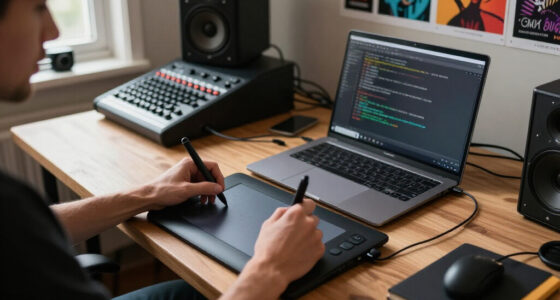
medium size graphics tablet 10-13 inch
As an affiliate, we earn on qualifying purchases.
As an affiliate, we earn on qualifying purchases.
Size Tips Based on How You Actually Use Your Art Tablet
Here’s a quick guide to match your use case:
- Casual or beginner artists: Small (7-10 inches). Cheap, portable, easy to learn.
- Intermediate artists: Medium (10-13 inches). Good for hobbyists or semi-pros balancing workspace and portability.
- Pro artists and serious illustrators: Large (over 13 inches). Ideal for detailed work, animation, or professional projects.
Imagine a hobbyist who sketches on a 10-inch tablet during commutes but switches to a 16-inch display at home for complex projects. Matching your tablet size to your workflow makes everything smoother.
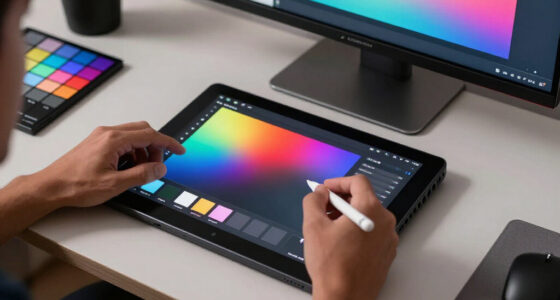
large professional drawing tablet 13 inch+
As an affiliate, we earn on qualifying purchases.
As an affiliate, we earn on qualifying purchases.
Comparison Table: Which Size Fits Your Style?
| Size | Portability | Workspace | Cost | Best For |
|---|---|---|---|---|
| Small (7-10″) | High | Limited | Low | Beginners, quick sketches, travel artists |
| Medium (10-13″) | Moderate | Balanced | Moderate | Hobbyists, semi-pros |
| Large (13+”) | Low | Extensive | High | Professionals, detailed work |
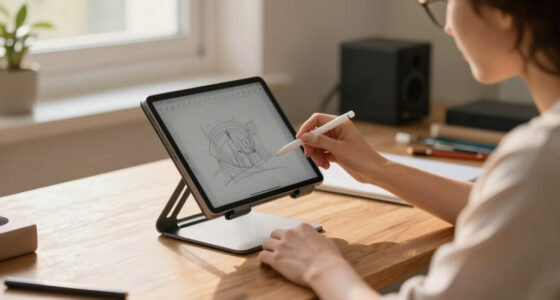
portable drawing tablet for artists
As an affiliate, we earn on qualifying purchases.
As an affiliate, we earn on qualifying purchases.
Wrist Comfort and Workspace: Why Size Matters for Your Body
Choosing the right size isn’t just about workspace—it’s about comfort. Larger tablets let you draw with more natural, sweeping strokes, reducing wrist strain. Smaller models might force you into cramped, awkward positions after long sessions.
For example, a concept artist working 8 hours a day on a 14-inch tablet reports less fatigue than on a tiny 8-inch device, simply because their hand movements are more natural and less constrained.
Think about your own posture and comfort—your body will thank you for choosing wisely.
Your Most Asked Questions About Drawing Tablet Sizes
- Which size is best for beginners? Small to medium non-display tablets are ideal—they’re affordable and easy to learn on.
- Should I buy a display or non-display tablet? Display tablets give a more natural drawing experience but cost more. Non-display options are budget-friendly and portable.
- Is a bigger tablet worth it for professional work? Usually, yes. Larger screens improve precision and reduce zooming, speeding up your workflow.
- How portable are large tablets? Less portable, heavier, but some models are designed for travel. Consider your typical working environment.
- What size is best for tablet art on devices like iPad Pro? The 12.9-inch iPad Pro offers a sweet spot of size, portability, and screen quality.
Frequently Asked Questions
What is the best tablet size for beginners?
A small to medium non-display tablet (around 7-13 inches) is usually best for beginners. It’s affordable, easy to handle, and doesn’t overwhelm you with features, making it perfect for learning the basics.Should I get a display or non-display tablet?
Display tablets offer a natural drawing experience as you draw directly on the screen, but they cost more. Non-display tablets are more budget-friendly and portable, requiring you to look at an external monitor or computer.Is a larger tablet worth the extra cost?
For detailed work, professional projects, or animation, larger tablets can boost your productivity and precision. They reduce zooming and panning, making your workflow smoother and more natural.How portable are large drawing tablets?
Larger tablets tend to be heavier and bulkier, making them less suitable for travel. However, some high-end models are designed with portability in mind—so consider your typical workspace.What size do drawing tablets like iPad Pro or Galaxy Tab S come in?
Devices like the iPad Pro are available in sizes like 11 and 12.9 inches. The 12.9-inch model offers a good compromise between workspace and portability, popular among artists.Conclusion
Your ideal drawing tablet size is a personal choice shaped by your art style, workspace, and budget. Remember, a larger screen can boost your productivity, but only if it fits into your life without hassle. Think about what matters most — comfort, convenience, or detail — and pick accordingly.
Ultimately, the right size helps your art flow, not hinder it. Now, go find that perfect fit, and start creating with confidence.
Halloween Picks
halloween
As an affiliate, we earn on qualifying purchases.