
TL;DR

Get audio and creator gear delivered free with Prime
- Fast, free delivery on millions of items
- Prime Video, Amazon Music and more included
- Member-only deals all year
On budget monitors, selecting the right reference tracks is key to accurate mixing. Focus on relevance, quality, and consistency, and use modern tools to compare spectral and tonal balance effectively.
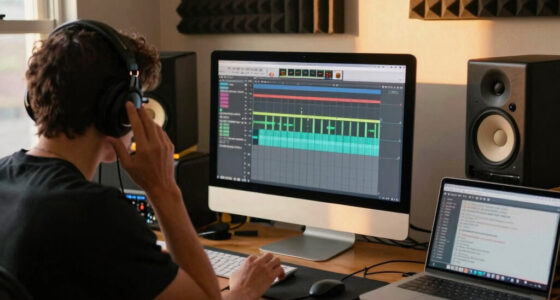
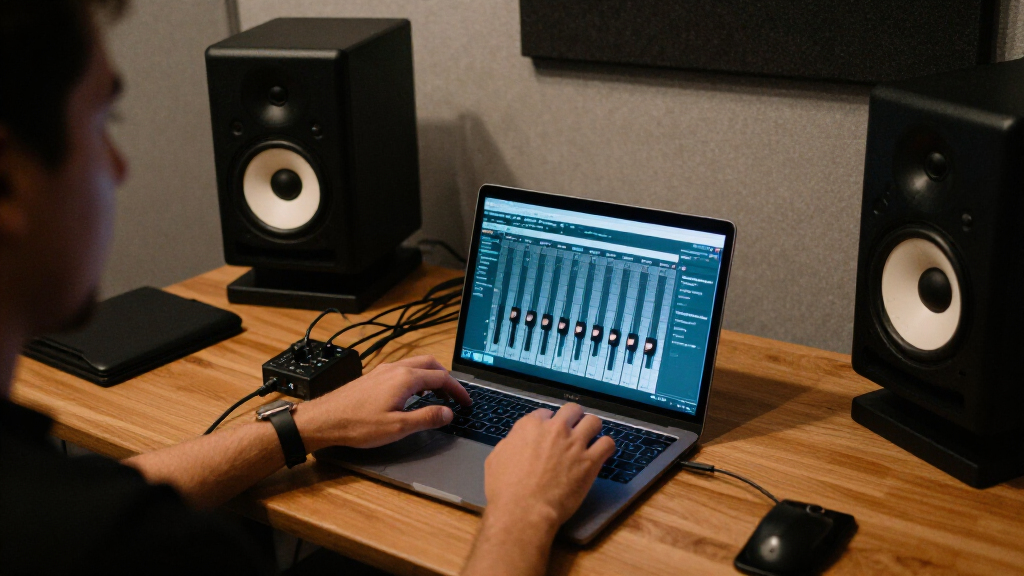
Mixing on budget monitors feels like trying to paint with a slightly faded palette. The limited frequency response and subtle colorations challenge your perception of balance and clarity. But here’s the twist: choosing the right reference tracks can turn your humble setup into a reliable compass. These tracks act like a map, guiding your ear to the right tonal and dynamic decisions. In this guide, you’ll learn how to pick those tracks, what recent tools can help, and how to turn your budget gear into a confidence-inspiring studio.
Use 3-5 carefully selected, genre-matched reference tracks for more reliable comparison.
Leverage spectral analysis tools to see how your monitors color the sound versus your references.
Always consider your room’s influence and calibrate your space to get the most accurate feedback.
Choose high-quality, lossless versions of commercial tracks to avoid misleading your perception.
Develop your ear over time by regularly comparing your mixes to multiple references, not just one.
Pick Tracks That Match Your Genre’s Sound and Style
The first rule is simple: choose reference tracks that sound like what you want your mix to turn out like. If you’re mixing a synth-pop tune, use tracks with clear, bright vocals and punchy drums. If it’s a deep house track, go for something with a warm bass and airy high end. For example, if you aim for a polished, radio-ready sound, select commercially released tracks in lossless formats—like FLAC or WAV—that have the clarity and punch you need to compare against your mix. This way, your ear learns what a balanced, professional sound really feels like on your monitors.
lossless reference tracks FLAC WAV
As an affiliate, we earn on qualifying purchases.
As an affiliate, we earn on qualifying purchases.
Use Multiple Reference Tracks to Avoid Bias
Relying on just one track can lead your mix astray, especially on budget monitors. Instead, pick 3 to 5 tracks across different artists that share your genre’s vibe. Why? Because no single track is perfect; each has its own tonal quirks and mastering choices. Comparing your mix against multiple references allows your ears to identify commonalities—like consistent bass response or vocal clarity—that are more indicative of a balanced mix. This approach reduces the risk of overfitting your sound to the peculiarities of one track, which might be overly bright, dark, or compressed. Over time, this broader perspective helps you develop a more reliable sense of what a good mix feels like, even when your gear isn’t perfectly transparent. The tradeoff is that managing multiple references requires more attention and critical listening, but the payoff is a more nuanced and balanced final product.
spectral analysis tools for mixing
As an affiliate, we earn on qualifying purchases.
As an affiliate, we earn on qualifying purchases.
Evaluate Your Monitors with Spectral and Tonal Comparison Tools
Your budget monitors likely color the sound—maybe they’re bass-heavy or lack sparkle in the highs. To see beyond that, use free or affordable spectral analysis tools like Span or Orban Loudness Meter. Load your reference tracks and compare their frequency spectrum with your mix. Why? Because your monitors’ coloration can deceive your perception—making certain frequencies seem more prominent or subdued than they truly are. By analyzing the spectral content, you can identify if your monitors are exaggerating bass or dulling highs. When your mix’s spectrum aligns with these reference tracks, you gain confidence that your tonal balance is accurate, despite gear limitations. This process doesn’t eliminate the need for critical listening but provides an objective layer to your decision-making, helping you avoid common pitfalls like over-boosting bass or over-muffling high frequencies due to monitor coloration. The tradeoff is that spectral analysis requires some learning curve, but it offers invaluable insight into your sound’s true balance.
As an affiliate, we earn on qualifying purchases.
Frequently Asked Questions
How do I choose the best reference tracks for my genre?
Pick tracks that are professionally mixed and mastered, with similar instrumentation and vibe to what you want in your own mix. Focus on songs that showcase the tonality and dynamics you aim for.Can I use commercial tracks as references on budget monitors?
Yes, but be cautious of loudness and compression artifacts. Use high-quality, lossless versions, and match their loudness levels during comparison to avoid misleading your ears.What if my monitors color the sound too much?
Use your reference tracks to identify how your monitors color the sound, then compensate during your mix decisions. Calibration and room treatment will also help improve accuracy.Are there specific tracks recommended for beginners?
Many producers share their favorites online. Examples include ‘Royals’ by Lorde, ‘Get Lucky’ by Daft Punk, or ‘Shape of You’ by Ed Sheeran—choose based on your genre and taste.How many reference tracks should I use?
Typically, 3 to 5 tracks strike a good balance, giving you enough perspective without overwhelming your workflow.genre-specific reference tracks for mixing
As an affiliate, we earn on qualifying purchases.
As an affiliate, we earn on qualifying purchases.
Conclusion
Remember, your monitors aren’t the only tool in your arsenal. Choosing the right reference tracks is the secret sauce to making your mixes sound professional—even on a tight budget. Keep your references relevant, use tools to compensate for gear quirks, and stay consistent. With patience, your ears will become sharper, and your mixes more polished.
Think of reference tracks as your musical GPS—guiding you through the fog of limited gear toward clarity and balance. Keep them close, compare often, and trust your judgment. That’s how even humble gear can deliver world-class sound.
Evergreen bestsellers Picks
bestsellers
As an affiliate, we earn on qualifying purchases.