TL;DR
Listen free for 30 days with Audible
Thousands of audiobooks and originals — cancel anytime.
Start your free trialAs an affiliate, we earn on qualifying purchases.
Capture Card Passthrough Lag: What Your Console Actually Sees
Passthrough is usually not the problem. A modern card typically adds less than 1–3 ms on the way to your TV. The visible delay lives in the separate capture and preview route, where decoding, buffering, transfer, and rendering can add 30–250+ ms.
The advertised resolution, refresh rate, HDR, and VRR support determine what output modes the console makes available.
Hardware loop-through sends the signal directly to the display with effectively imperceptible added latency.
The encoded or buffered PC preview is unsuitable for rhythm, fighting, racing, and competitive action games.
Typically imperceptible on a responsive display.
Milliseconds depending on hardware and software.
One frame at 120 Hz for useful perspective.
Passthrough and preview are not the same route.
One HDMI input. Two radically different journeys.
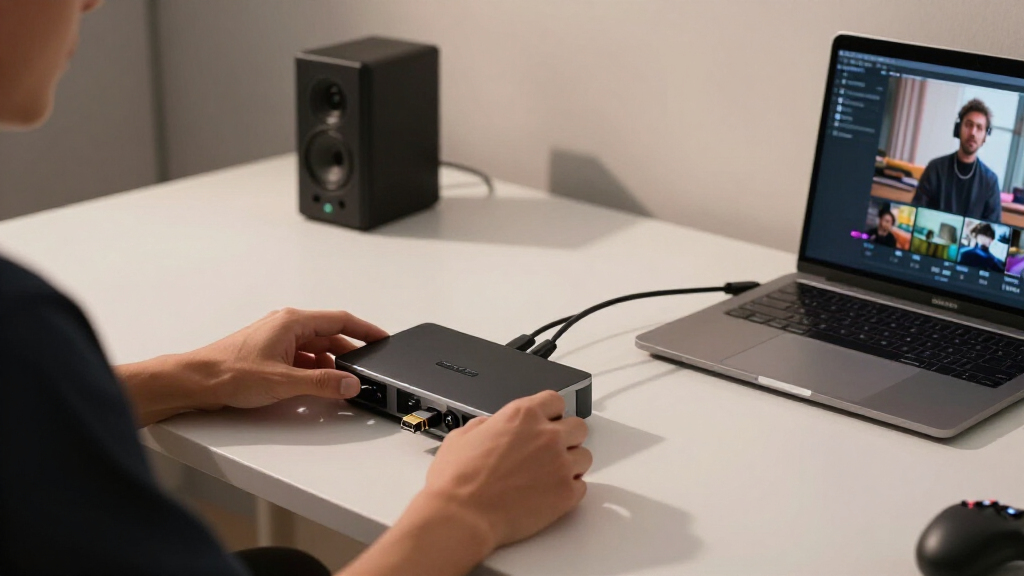
When the console sends a frame, the capture card splits its job. The TV path stays in hardware; the PC path must process, transfer, and render the frame before you see it.
Passthrough path
The card repeats or switches the incoming HDMI signal to its output. On a decent modern capture device, this hardware loop-through is effectively instant.
added delay
Capture / preview path
The card buffers and converts video, sends it through USB or PCIe, and waits for capture software and the operating system to render it.
preview range
Relative latency by viewing route
Illustrative range · millisecondsThe capture card impersonates your display.
EDID—Extended Display Identification Data—is the capability list presented to the console. It can be copied from the TV, merged with the card’s abilities, or replaced by a preset.
Console asks
Which resolutions, refresh rates, color formats, and gaming features are supported?
Card answers
Its EDID advertises modes such as 4K60 HDR, 1440p120, VRR, or a limited 1080p profile.
Console selects
The output is constrained to modes the card claims it can accept—even if the TV supports more.
TV receives
The passthrough output reaches the display, potentially with features already removed by the handshake.
The console does not measure how long the card or OBS takes to display a frame. It only reads the advertised signal capabilities. A perfect “4K120 HDR” handshake says nothing about preview responsiveness.
Passthrough capability is not capture capability.
A card may accept and pass 4K HDR while recording a downscaled 1080p feed. That is normal product architecture—not evidence that the console itself dropped to 1080p.
| Connection / class | Passthrough experience | Preview latency | Typical capture behavior | Best use |
|---|---|---|---|---|
| Budget USB 2.0 dongle | ✗Often none | ✗100 ms+ | MJPEG compression; visible artifacts | Basic recording or calls |
| USB 2.0 with HDMI out | ✓Low-lag loop-through | ~Moderate to high | Compressed capture feed | Play on TV; stream on PC |
| USB 3.x capture | ✓Typically under 3 ms | ~Often 50–100 ms | Uncompressed or lightly compressed | Mainstream console streaming |
| Internal PCIe card | ✓Typically under 3 ms | ✓Generally lowest | High-bandwidth, low-overhead feed | Dedicated streaming PC |
| HDMI 2.1 generation | ✓4K120/144 possible | ~Model dependent | Modern HDR and high-refresh capture | PS5 / Xbox Series X setups |
Read the box twice: “4K60 HDR passthrough” can sit beside “1080p60 capture.” The first describes what reaches the TV; the second describes what reaches the recording.
Match the symptom to the real bottleneck.
Most capture-card problems come from capability negotiation, protected content, bandwidth, or software buffering—not passthrough latency itself.
1440p vanishes
The card’s EDID may not advertise 1440p. Select the correct EDID preset or update the card’s utility and firmware.
HDR or VRR disappears
Older cards may omit HDR10, VRR, ALLM, or CEC support. The console then hides or disables those options.
Preview is black
Disable HDCP for gameplay capture. Protected streaming apps may stop working while HDCP remains disabled.
4K120 flickers
Use certified Ultra High Speed HDMI cables. Marginal cables can cause dropouts or force a fallback to 4K60.
TV still feels slow
Enable the television’s Game Mode. Image enhancement can add more delay than the capture card’s passthrough.
OBS preview drags
Test low-latency device settings, disable unnecessary buffering, and match source frame rate and resolution.
Play on the passthrough display. Monitor the preview.
Use the TV or gaming monitor connected to HDMI out for control-sensitive play. Treat OBS as a production monitor for framing, audio, overlays, and stream health—not as your gameplay screen.
Verify EDID
Confirm the console reports the intended resolution, HDR mode, refresh rate, and VRR support.
Use Game Mode
Reduce display-side processing on the television or monitor connected to HDMI passthrough.
Measure both paths
Compare direct and passthrough output with a lag tester or 240 fps slow-motion recording.
Tune capture
Check OBS statistics, buffering options, USB bandwidth, and source format independently.
Capture card passthrough adds virtually no delay—under 3 ms—so playing directly through passthrough feels instant. The real lag happens in the capture/preview path, which can range from 30 to over 250 ms, making it unsuitable for timing-critical games. Understanding the distinction helps you optimize your setup for smooth gameplay and streaming.
4K HDMI capture card with passthrough
As an affiliate, we earn on qualifying purchases.
As an affiliate, we earn on qualifying purchases.
gaming capture card with low latency
As an affiliate, we earn on qualifying purchases.
As an affiliate, we earn on qualifying purchases.
HDMI splitter with passthrough for gaming
As an affiliate, we earn on qualifying purchases.
As an affiliate, we earn on qualifying purchases.
capture card for streaming with minimal lag
As an affiliate, we earn on qualifying purchases.
As an affiliate, we earn on qualifying purchases.
NFL season / tailgating Picks
team gear
As an affiliate, we earn on qualifying purchases.