
TL;DR

Get audio and creator gear delivered free with Prime
- Fast, free delivery on millions of items
- Prime Video, Amazon Music and more included
- Member-only deals all year
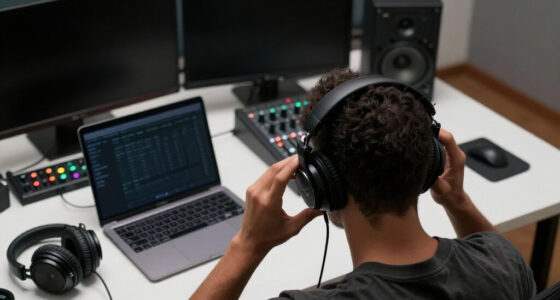
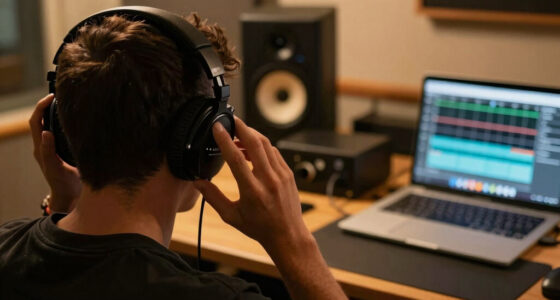
Mixing on headphones can deliver professional results if you use high-quality gear, reference on multiple systems, and leverage calibration tools. Regularly checking your mix on speakers helps ensure it translates well. Proper technique is key to avoiding common pitfalls.
Ever tried finishing a mix on headphones only to find it sounds totally different when played on real speakers? That’s a common hurdle. But with the right approach, you can turn your headphones into a powerful mixing tool that yields results everyone will enjoy, regardless of how they listen.
In this guide, you’ll learn how to set up your headphone mix for success, what to watch out for, and how to make sure your mixes sound balanced and clear across all playback systems. Whether you’re on a budget or working in a noisy environment, these tips will help you produce professional-quality mixes that actually translate.
Use high-quality, flat-response headphones designed for mixing to get accurate sound.
Always cross-check your mix on multiple playback systems—speakers, earbuds, car stereo—to verify translation.
Leverage headphone calibration plugins to correct frequency response issues and improve accuracy.
Take regular breaks to prevent ear fatigue, which distorts your perception of balance.
Develop a habit of referencing with professional tracks and making small adjustments for better translation.
How to Get Results That Translate
TL;DR: Headphones can deliver professional mixes when the chain is disciplined: flat-response cans, calibration, reference tracks, ear breaks, and regular checks on speakers, earbuds, and car systems.
Many professional mixers use headphones for detailed editing, then rely on multiple references for final translation.
Moderate monitoring levels help reduce fatigue and keep tonal judgment steadier.
Use headphones for focus, speakers for reality checks, and references as your tonal compass.
Choose Headphones That Tell the Truth
Good headphone mixing starts before the first EQ move. Your goal is not excitement; it is predictability. Prioritize tools that reveal balance, space, and fatigue before they become translation problems.
Flat Response
Avoid hyped bass or bright treble. Coloration causes overcorrection, especially in kick, bass, vocal air, and cymbal brightness.
Open Back
A wider soundstage makes stereo width and depth easier to judge, with less of the hard left-right tunnel effect.
Comfort
Long sessions require soft pads, stable fit, and low pressure. Discomfort quickly becomes poor listening judgment.
Durability
Consistent sound over time matters. Reliable build quality protects the most important reference point in your room.
The Accurate Headphone Setup Flow
Translation is built through repeatable checks. This chain turns headphones from an isolated listening tool into a controlled decision system.
Calibrate
Apply a headphone correction profile to reduce frequency response surprises.
Reference
Load commercial tracks with similar energy, density, and low-end shape.
Balance
Set levels and EQ in small moves, then pause before committing.
Cross-Check
Move between headphones, monitors, earbuds, and car playback.
Revise
Fix only repeatable issues that show up across more than one system.
Monitoring Confidence Spectrum
Where Headphones Win, Where They Lie
The same isolation that makes headphones powerful can hide spatial and physical cues. Treat the wins as superpowers and the limits as warning lights.
High-Value Uses
- Detailed editing for clicks, breaths, fades, noise, and timing.
- Quiet production environments where speakers are impractical.
- Precision automation for vocals, effects, and low-level details.
- Checking reverb tails, headphone distortion, and stereo artifacts.
Translation Traps
- Bass can feel bigger or smaller than it will on speakers.
- Stereo width can become exaggerated and unnatural.
- No room interaction means depth and punch may be misread.
- Ear fatigue can make bright mixes seem normal over time.
Comparison: Headphones, Monitors, and Hybrid Mixing
No single playback system tells the whole story. The most reliable workflow uses each listening mode for what it does best.
| Decision Area | Headphones | Studio Monitors | Hybrid Workflow | Action |
|---|---|---|---|---|
| Micro detail | ✓ Excellent | ~ Good | ✓ Best | Use cans for cleanup and automation |
| Low-end punch | ~ Uncertain | ✓ Strong | ✓ Best | Verify kick and bass on speakers |
| Stereo width | ~ Exaggerated | ✓ Natural | ✓ Best | Check mono and center balance |
| Room problems | ✓ Avoided | ✗ Room dependent | ✓ Controlled | Use calibration and references |
| Final translation | ~ Possible | ~ Useful | ✓ Most reliable | Approve only after cross-checks |
Traceability Chain: From Cans to Real-World Playback
Every decision should leave a trail. If a mix choice cannot survive this chain, it is probably a headphone illusion rather than a musical improvement.
Balance, edits, automation, tonal detail.
Correction curve and stable volume.
Commercial tracks as tonal anchors.
Low end, punch, depth, center image.
Car, earbuds, laptop, smart speaker.
Only repeatable fixes make the final mix.
The Practical Rule Set
Use headphones like a microscope, not a whole studio. The professional move is not avoiding headphones; it is knowing exactly when to trust them.
Do This Every Session
- Start with one or two reference tracks before touching EQ.
- Keep changes small, especially in bass and upper treble.
- Take short breaks before final level and brightness decisions.
- Check the mix on at least three playback systems.
Final Check Question
Does the vocal still sit right, does the low end still speak, and does the groove still feel alive after leaving the headphones? If yes, the mix is beginning to translate.
Why mixing on headphones can be a game-changer (and its limits)
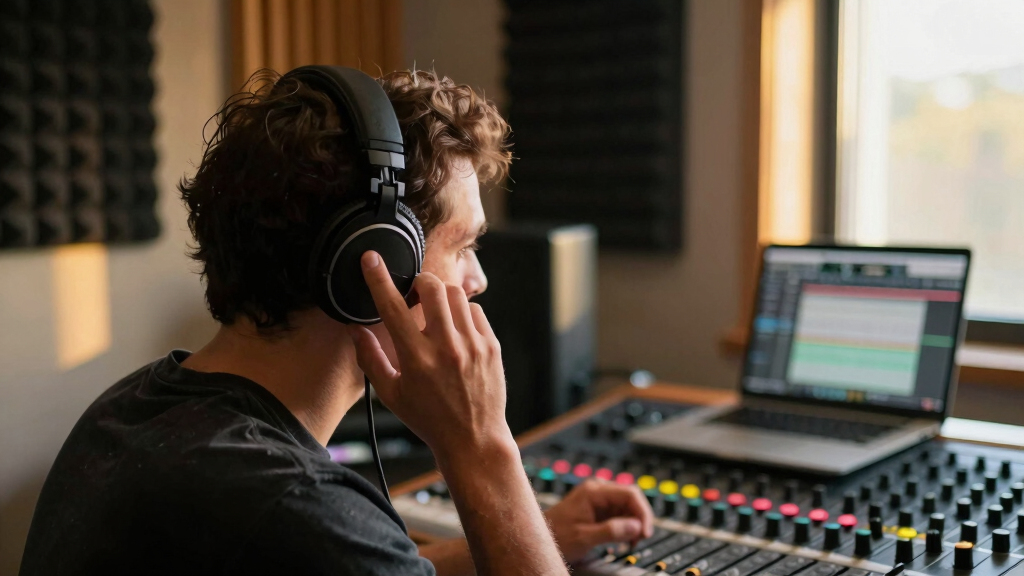
Mixing on headphones offers unmatched convenience and focus. You can work in silence, catch every detail, and avoid room acoustics that distort your perception. Imagine tweaking a vocal or bass line and hearing it distinctly—no room reflections, no external noise.
But headphones have their quirks. They often exaggerate bass or treble, which can mislead your perception of the mix’s balance. They also lack physical cues like stereo width, depth, and the way sound interacts with a space—elements that are vital for a natural, immersive sound. Relying solely on headphones can lead to mixes that sound great in your cans but lack dimension or punch on other systems. That’s why most professionals use headphones as a starting point or for detailed editing, then cross-reference with speakers to ensure proper translation. The tradeoff is clear: convenience versus the risk of misjudging the true spatial and tonal balance. Recognizing these limits helps you compensate and make more informed decisions during your mix process.
professional flat-response headphones for mixing
As an affiliate, we earn on qualifying purchases.
As an affiliate, we earn on qualifying purchases.
Choose the right headphones for mixing — 4 must-know features
Not all headphones are created equal. For mixing, your goal is flat response, clarity, and comfort. Here are four features to prioritize:
- Flat frequency response: Avoid boosted bass or shrill highs that mislead your perception. A flat response ensures you hear the mix as it truly is, without coloration that can cause you to overcompensate or neglect certain elements.
- Open-back design: Offers a wider soundstage, mimicking speaker listening, but less isolation. This openness allows for a more natural sense of space, which is crucial for judging stereo width and depth. However, it may bleed sound into your environment, so consider your workspace.
- Comfort: Long sessions demand soft pads and adjustable headbands. Uncomfortable headphones can cause fatigue, leading to diminished critical listening over time, which increases the risk of making poor mix decisions.
- Durability: Good build quality ensures your investment lasts through hours of use. Reliable headphones prevent breakdowns that could interrupt your workflow and provide consistent sound quality over time.
Popular choices like the Sennheiser HD 650 or Beyerdynamic DT 990 Pro emphasize these qualities, making them favorites among home studio owners. Remember, investing in the right headphones is foundational; they become your primary tool for critical listening, so choose wisely based on your specific needs and environment.
Amazonheadphone calibration plugin for mixing
As an affiliate, we earn on qualifying purchases.
As an affiliate, we earn on qualifying purchases.
How to set up your headphone mix for accuracy
Start by calibrating your headphones with a reference track and a calibration plugin like Sonarworks Reference. This process corrects frequency response anomalies, providing a more neutral listening environment. Think of it as giving your headphones a ‘factory reset’ so they don’t color your perception. Proper calibration ensures your mix decisions are based on an accurate sound profile, reducing guesswork.
Then, create a consistent, comfortable listening environment. Use a dedicated, quiet space with minimal external noise, and keep your volume at a moderate level—around 80-85 dB—since listening at high volumes can cause ear fatigue and distort your perception of balance. Ear fatigue dulls your ability to discern subtle differences, leading to overcompensation or overlooked issues.
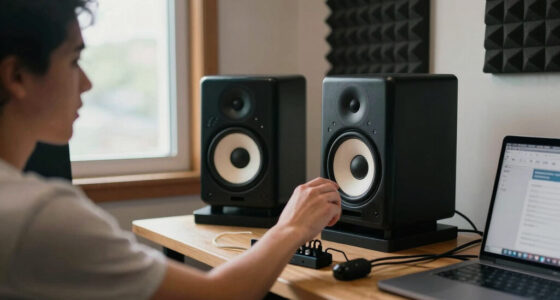
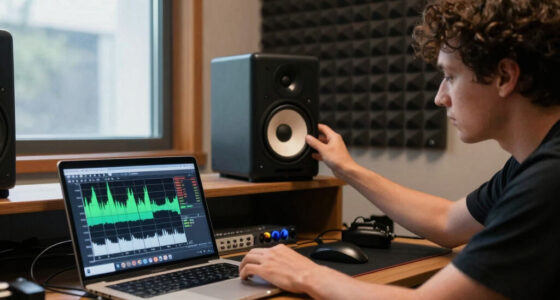
Finally, develop a habit of switching between headphones and speakers during your mixing process, especially during critical stages like EQ and level balancing. This cross-referencing acts as a reality check, helping you catch issues that might be masked or exaggerated in one environment. Over time, this practice trains your ears to make more reliable judgments, ultimately leading to a more translatable mix.
Amazonstudio reference tracks for mixing
As an affiliate, we earn on qualifying purchases.
As an affiliate, we earn on qualifying purchases.
Best practices for mixing on headphones that translate
Mixing on headphones isn’t just about hearing everything clearly—it’s about making your mix sound good everywhere. Here’s how:
- Reference tracks: Select commercial songs with a similar vibe, tonal balance, and frequency content. Comparing your mix to these tracks helps you identify discrepancies and maintain consistency. For example, if your bass sounds muddy compared to the reference, you know to tighten it up.
- Use multiple listening environments: After completing your mix on headphones, test it on studio monitors, car stereo, and earbuds. This cross-checking reveals how your decisions translate across systems. If certain elements sound off—like a snare that’s too harsh or a vocal that’s dull—you can make targeted adjustments to improve translation.
- Trust your ears, not your eyes: Visual cues like meters or spectrum analyzers are helpful, but they shouldn’t override your auditory perception. Your ears are your best judge of balance, tone, and space. Relying too heavily on visuals can lead to misguided decisions, especially if your visual tools are not calibrated or are misleading.
- Make small, incremental changes: Large boosts or cuts can distort your perception and lead to overcompensation. Adjust in tiny steps—say 1-2 dB—then listen on other systems. This cautious approach preserves the integrity of your mix and ensures each change is deliberate and effective.
For example, if your bass sounds overwhelming on headphones but disappears on speakers, reduce the low end slightly, then verify on different systems. This iterative process refines your mix’s translation and builds confidence in your decisions.
AmazonAs an affiliate, we earn on qualifying purchases.
Tools that help headphone mixing sound more like studio monitors
Technology can bridge the gap between headphones and speakers. Headphone calibration plugins like Sonarworks Reference or Waves Nx analyze your headphone’s frequency response and apply corrective EQ, making them more neutral and reliable. Think of it as giving your headphones a ‘truth serum’—they tell you more accurate info about your mix, reducing the guesswork involved in EQ and balancing decisions.
Additionally, spatial audio tools and binaural panning plugins add depth and width, mimicking the natural cues of real speakers. These tools are especially valuable for genres like electronic music or film scoring, where creating a sense of space enhances immersion. They help you judge how sounds will sit in a real-world environment, which is crucial for achieving a professional, balanced mix.
However, no plugin can fully replicate the physical cues of a well-treated room and speaker setup. They are supplementary tools that improve your headphone experience but should not replace critical listening on actual monitors. Use them to verify and refine your mix, especially when trying to achieve a specific spatial or tonal goal.
Common pitfalls — and how to avoid them
It’s easy to fall into traps that can compromise your mix’s translation. Here are some common pitfalls and strategies to avoid them:
- Over-reliance on headphones: While convenient, headphones can exaggerate certain frequencies—particularly bass and treble—leading to skewed perceptions. Always cross-reference your mix on speakers, especially after initial work, to ensure it translates well. The tradeoff is that what sounds perfect in cans may sound unbalanced elsewhere, so constant cross-checking is essential.
- Ignoring ear fatigue: Listening for extended periods causes ear fatigue, dulling your ability to perceive subtle differences in tone and balance. This can lead to overcompensation or missed issues. To prevent this, take 5-minute breaks every hour, and listen at moderate volumes. Rested ears maintain critical listening acuity, which is vital for making accurate decisions.
- Setting and neglecting calibration: Headphone frequency response can change over time due to wear or environmental factors. Regularly recalibrate with a reference and correction tools to maintain accuracy. Failing to do so can result in misguided EQ and balance choices, ultimately affecting the translation of your mix.
- Not using reference tracks: Without benchmarking against professional, well-mixed songs, your mix might drift away from industry standards. Consistent use of reference tracks provides a reality check, helping you stay aligned with commercial sound and ensuring your mix will translate effectively across all systems.
For instance, a producer spent hours tweaking a vocal, only to find it sounded dull or harsh on car stereo or earbuds. Regularly checking on different systems could have highlighted these issues early, saving time and improving the final result. Awareness and proactive cross-referencing are key to avoiding these common pitfalls.
Frequently Asked Questions
Can I produce professional-quality mixes using only headphones?
Yes, with high-quality headphones, proper calibration, and consistent referencing, many producers produce professional mixes. However, always check your mix on speakers to ensure it translates well across all systems.
What headphones are best for mixing?
Open-back models like the Sennheiser HD 650, Beyerdynamic DT 990 Pro, and AKG K702 are popular for their flat response and wide soundstage, making them ideal for mixing.
How do I improve my headphone mix’s translation?
Use reference tracks, calibrate your headphones regularly, and cross-check your mix on speakers, car stereo, and earbuds. Over time, this builds your listening confidence and ensures your mix sounds balanced everywhere.
Are headphone compensation plugins worth it?
Absolutely. They help correct frequency response discrepancies in your headphones, giving you a more accurate representation of your mix. Just remember to disable them when listening on other systems.
What are the main limitations of mixing on headphones?
Headphones can exaggerate bass and treble, lack physical room cues, and cause ear fatigue. Recognizing these limits helps you compensate and avoid making mix decisions based solely on headphone listening.
Conclusion
Mixing on headphones can produce professional results if you understand their limits and use smart techniques. Think of your headphones as a tool—one part of a bigger picture that includes referencing on speakers and other systems.
Remember, the goal isn’t perfection in your headphones alone, but a balanced, clear mix that sounds great everywhere. Keep cross-checking, calibrate regularly, and you’ll turn headphone mixing into a reliable part of your workflow.
FALL Fall Picks
fall essentialsfall essentials
As an affiliate, we earn on qualifying purchases.