
TL;DR

Get audio and creator gear delivered free with Prime
- Fast, free delivery on millions of items
- Prime Video, Amazon Music and more included
- Member-only deals all year
Active monitors come with built-in amps—easy to set up and ideal for most. Passive monitors rely on external amps, offering flexibility but requiring more gear. Your choice depends on setup simplicity, upgrade plans, and budget.
Active monitors are self-powered, making setup quick and simple—ideal for most users.
Passive monitors offer more flexibility to upgrade and customize, suited for high-end or evolving studios.
Sound quality depends heavily on internal tuning for active monitors and external components for passive ones.
Cost considerations vary: active monitors often cost more upfront but save on additional gear; passive setups might be cheaper initially but need extra investm…
Latest tech, like DSP and hybrid designs, are improving both types, making the choice more about workflow than capability.
Active vs Passive Studio Monitors, Compared
Active monitors come with built-in amps, making setup fast, tidy, and reliable for most studios. Passive monitors rely on external amplification, offering more upgrade paths and customization, but they demand more planning, cabling, and component matching.
Choose active for workflow speed. Choose passive when your amp chain is part of the studio design.
Core decision lensTwo Monitor Types, Two Studio Philosophies
The main difference is where amplification lives. Active monitors integrate the amp, crossover, and speaker drivers into one tuned system. Passive monitors separate those jobs, giving you more control over the signal chain.
Self-powered
Plug into power, connect an interface or mixer, and start working. The internal amp is already matched to the drivers.
Externally driven
The monitor needs a separate amplifier or receiver. Sound quality depends heavily on component choice and matching.
Workflow first
If you want simplicity, go active. If you want modular control and upgrade flexibility, passive becomes more attractive.
Active Is Fast. Passive Is Modular.
A passive system can be powerful and future-ready, but it adds more decision points before the first mix plays back accurately.
Choose Monitor
Active: matched system. Passive: speaker selection starts the chain.
Power Plan
Active: wall power. Passive: external amp power and impedance matching.
Wire Signal
Active: interface to monitor. Passive: source to amp, then amp to speakers.
Tune Room
Both need placement, gain staging, and acoustic treatment to translate.
The Practical Tradeoffs
Neither format is automatically better. The winner depends on how much simplicity, customization, and long-term component control matter to your room.
| Factor | Active Monitors | Passive Monitors | What It Means |
|---|---|---|---|
| Setup speed | ✓Fast and direct | ~More steps | Active wins when you want fewer cables and fewer compatibility choices. |
| Amplifier matching | ✓Handled internally | ✕User-managed | Passive systems require attention to wattage, impedance, and amplifier quality. |
| Customization | ~Limited | ✓High | Passive monitors let you change amps or speakers independently. |
| Consistency | ✓Factory tuned | ~Chain dependent | Active models often deliver more predictable performance across studios. |
| Budget profile | ~Higher upfront | ~Extra gear needed | Total cost depends on amp, cabling, DSP, and upgrade plans. |
Where Each Format Feels Strongest
These visual scores summarize the real-world pattern: active monitors reduce friction, while passive monitors keep the system more open-ended.
Workflow Score
Budget Pressure
Performance Comes From the Whole System
Both active and passive monitors can deliver studio-grade playback. The difference is where quality control happens: inside the monitor or across your external signal chain.
Active Strength
Integrated amplification, tuned crossovers, DSP, EQ, and room correction can make results more consistent with fewer moving parts.
Passive Strength
A carefully chosen amplifier can shape power handling, clarity, dynamic range, and tonal character without replacing the speaker.
How the Choice Moves Through Your Studio
The monitor decision affects setup time, upgrade routes, troubleshooting, and how reliably your mixes translate outside the room.
Fast Answers Before You Buy
Which is better for beginners?
Active monitors are usually better because they need less gear, less matching, and less troubleshooting.
Can passive monitors be upgraded?
Yes. You can upgrade the amplifier, change speakers, or revise the chain without replacing everything.
Are active monitors more expensive?
Often upfront, yes, but they include amplification and may reduce total system cost.
What Are Active and Passive Monitors — And Why Should You Care?
Active monitors are self-powered speakers with built-in amps. This means they handle amplification internally, simplifying setup and reducing the risk of mismatched components. This integration ensures that the speaker’s internal electronics are optimized for the drivers, often resulting in more consistent sound quality across different environments. The tradeoff is that they are less flexible; you can’t easily swap out the internal amplifier or tweak its characteristics without replacing the entire monitor. Passive monitors, on the other hand, lack internal amps and depend on external amplification, giving you the flexibility to choose or upgrade your amplifier independently. This separation allows for tailored sound customization, as different amps can influence the tonal balance, power handling, and overall performance. However, this setup requires more planning, as mismatched components can lead to subpar sound or damage. The choice impacts your workflow: active monitors are plug-and-play, ideal for quick setups, while passive monitors demand more technical knowledge but offer greater control over your sound system’s evolution.
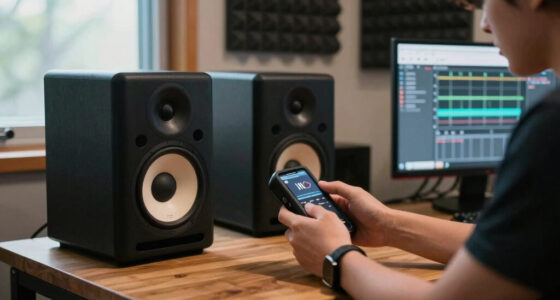
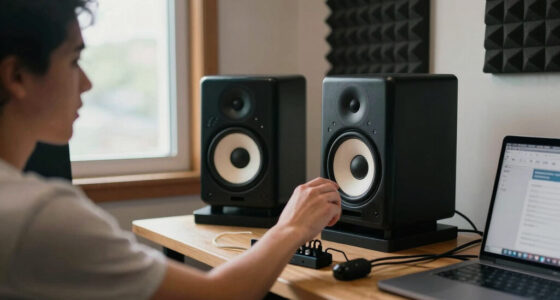
active studio monitor with built-in amplifier
As an affiliate, we earn on qualifying purchases.
As an affiliate, we earn on qualifying purchases.
How Easy Are They to Set Up? Active vs Passive in the Real World
- Active monitors: Simply connect them to a power source and your audio interface or mixer using balanced or unbalanced cables. Since they incorporate internal amplification, there’s no need to select or match an external amp, drastically reducing setup time and complexity. This makes them especially appealing for small studios or users who prioritize speed and simplicity. For example, a Yamaha HS8 can be up and running in under five minutes, with minimal technical fuss, allowing you to focus on your creative work without worrying about compatibility or wiring issues.
- Passive monitors: First, choose an amplifier that matches the speakers’ power and impedance specifications. Then, connect the amplifier to your speakers using speaker cables, and connect the amplifier to your audio source. This process involves more steps and requires understanding of power ratings and wiring conventions. For instance, setting up a pair of KRK Rokit 8 passive speakers might take about 15 minutes, including tuning and positioning. While this process is more involved, it offers the advantage of future-proofing—allowing you to upgrade or change components independently, which can be cost-effective in the long run if you anticipate evolving needs.
In practice, active monitors are faster to deploy and more straightforward for beginners, but passive systems, though more complex initially, provide a foundation for a more customizable and expandable setup. Your choice hinges on your comfort with technical setup versus your desire for flexibility and future upgrades.
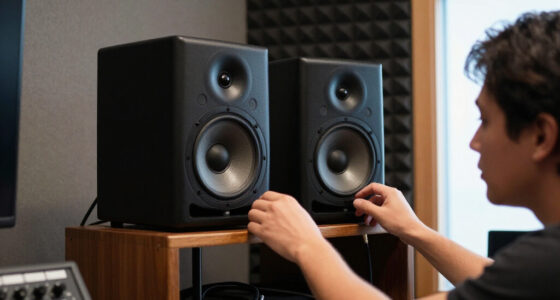
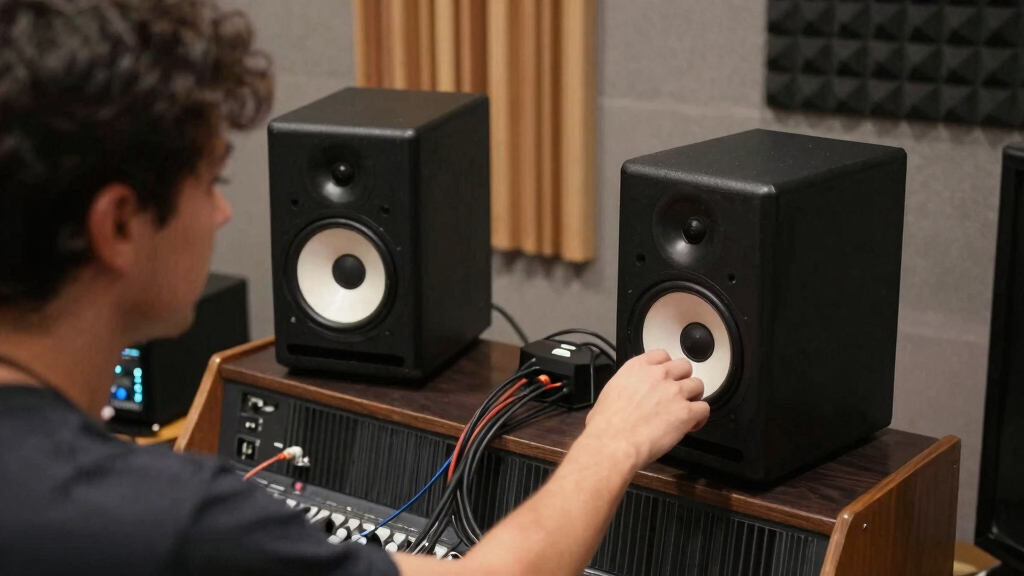
passive studio monitor with external amp
As an affiliate, we earn on qualifying purchases.
As an affiliate, we earn on qualifying purchases.
Sound Quality and Performance — Do They Actually Differ?
Both active and passive monitors can deliver studio-grade sound, but the quality and consistency depend heavily on internal tuning and external components. Active monitors like the Adam Audio A7X often feature digital signal processing (DSP), room correction, and precisely tuned internal crossovers. These features help compensate for room acoustics and ensure a flat frequency response, resulting in reliable sound reproduction across different environments. This internal optimization reduces the need for external equalization and makes them ideal for critical listening. Conversely, passive monitors rely on the external amplifier’s quality and the acoustic environment. A high-quality amplifier can enhance a passive speaker’s clarity, bass extension, and dynamic range, but a poor-quality amp can introduce distortion or coloration. This means that your overall sound quality in a passive system is a direct reflection of your external components and room acoustics, requiring careful matching and calibration. For example, many professionals prefer active monitors because of their consistent performance and integrated tuning features, which streamline the mixing process. However, if you already own a high-end amp and prefer a custom setup, passive monitors can deliver comparable results—provided you choose components wisely and tune your space accordingly. The key implication is that sound quality is a combination of internal design and external support, making both options viable depending on your technical skills and goals.
As an affiliate, we earn on qualifying purchases.
Flexibility and Customization — Which Gives You More Control?
If customizing your sound is your priority, passive monitors offer significant advantages. You can choose or upgrade your amplifier independently, allowing for tailored adjustments to power output, tonal coloration, and dynamic response. For example, upgrading to a more powerful or transparent amplifier can dramatically change the character of your sound without replacing the speakers themselves. This modularity is especially valuable in high-end, professional environments where precise control over each component impacts the final mix. Additionally, you can mix and match different brands or models to achieve a specific tonal signature or response curve, making passive systems highly adaptable to evolving needs. Conversely, active monitors come as a self-contained package, integrating all components into a single unit. While this simplifies setup and ensures compatibility, it limits your ability to customize each element individually. If a particular driver or internal circuit isn’t to your liking, your options are limited to replacing the entire monitor. The tradeoff is that active monitors reduce complexity and setup time, making them suitable for users who prefer plug-and-play solutions. Ultimately, the choice hinges on whether you value granular control and upgradeability over convenience and simplicity.
As an affiliate, we earn on qualifying purchases.
Frequently Asked Questions
Is it better to buy active or passive monitors for a beginner home studio?
Active monitors are generally better for beginners because they’re easier to set up and require less gear. They deliver reliable, professional sound without the hassle of external amps.Can I upgrade my passive monitors later without replacing everything?
Yes, upgrading just the amplifier or swapping out speakers in a passive setup is straightforward, giving you control over sound quality and power handling.Are active monitors more expensive than passive ones?
Usually, active monitors cost more upfront—around $300-$1500 per pair—since they include built-in amps. Passive speakers can be cheaper initially but may require additional investment in amps and cables.What should I keep in mind when choosing between active and passive monitors?
Consider your budget, how much flexibility you want, setup complexity, and whether you plan to upgrade parts over time. Your space and workflow also play crucial roles.Do active monitors need special power considerations?
Not really. They plug into standard AC outlets. Just make sure your studio has a stable power source to avoid noise or interference.Conclusion
Most studio owners benefit from active monitors’ simplicity and consistency—perfect for everyday use. But if you love tinkering or upgrading, passive monitors keep your options open and your setup tailored. The key is matching your workflow and budget to what fits best. Either way, investing in quality monitors makes a real difference in your sound — so listen carefully, and pick what feels right for your studio’s future.Halloween Picks
halloween
As an affiliate, we earn on qualifying purchases.