
TL;DR

Get audio and creator gear delivered free with Prime
- Fast, free delivery on millions of items
- Prime Video, Amazon Music and more included
- Member-only deals all year
Mixes often sound bass-heavy in cars because of differing acoustic environments and EQ boosts. Using simulation plugins and referencing multiple systems can fix this and ensure your mixes translate well across all listening environments.
Ever wondered why your fresh mix sounds perfect in the studio but turns into a muddy, bass-heavy mess in the car? It’s not just your imagination. The car environment has its own quirks—speaker placement, interior shape, road noise—that change how your music is perceived. If you’re tired of your mixes sounding great on your monitors but terrible in the dashboard, this guide is for you.
We’ll explore why cars make your mixes sound bassy and show you real, practical fixes to tighten up that low end. No fancy jargon, just straightforward tips to help your music translate better across all systems.
Car interiors naturally boost bass frequencies by up to 10 dB, making mixes sound bass-heavy.
Studio monitors are flat, but car systems often add bass EQ, causing translation issues.
Reference your mixes on multiple systems and use simulation tools to predict how they sound in a car.
Reduce bass in your mix by 2-4 dB around 60-80Hz to tighten the low end for car playback.
Always listen at different volumes; perceived bass can change significantly with volume levels.
Why Do Car Systems Make Your Mixes Sound Bassy? This Is How Cars Play Tricks on Your Ears
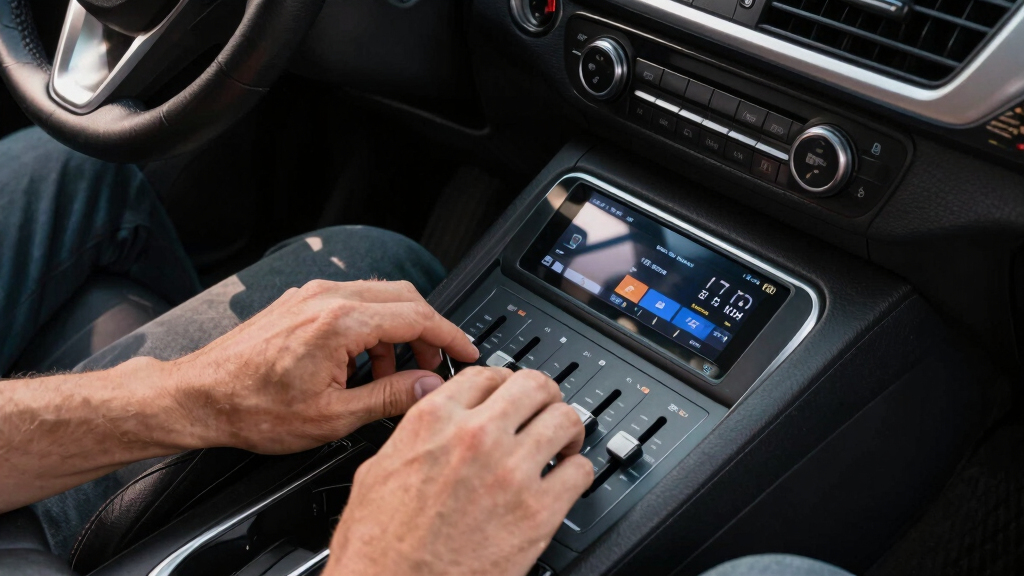
Car interiors are like giant bass amplifiers. The shape, materials, and speaker placement cause certain frequencies—especially bass—to bounce and resonate. Many factory car audio systems boost bass frequencies by 3-10 dB to combat road noise and fill the cabin. This intentional or unintentional EQ boost can distort your mix’s original balance, making it sound overly boomy and muddy in the vehicle. Recognizing this is crucial because it reveals that what sounds balanced in your studio doesn’t necessarily translate well in a car environment.
Think of it as a tradeoff: boosting bass helps fill the space and overcome external noise, but it can also mask issues like muddiness or lack of clarity. If you rely solely on studio monitors, you might miss how your low end responds in real-world environments. This understanding allows you to make more informed decisions—like EQ adjustments—that improve your mix’s translation, even when the environment is less than ideal.
Ignoring these effects can lead to mixes that sound great in the studio but become overwhelming or indistinct in the car. By understanding the acoustic and EQ characteristics of car interiors, you can intentionally compensate during mixing—either by EQ cuts or reference listening—to ensure your low end remains controlled and clear across environments.
As an affiliate, we earn on qualifying purchases.
How Your Studio Monitors Give You a Fake Sense of Balance (And Why That Tricks You in the Car)
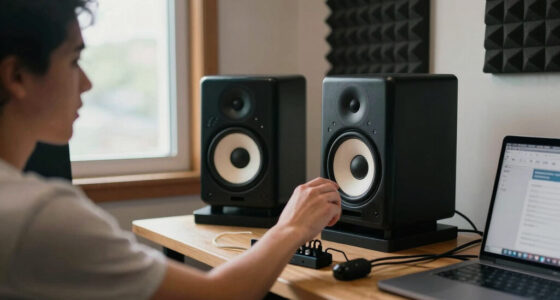
Studio monitors are designed to be flat and neutral, providing an honest, uncolored reference of your mix. This neutrality is essential for precision because it reveals the true relationship between frequencies. However, this can be a double-edged sword: it creates a perception of balance that may not translate well to environments with different acoustic properties, like a car. Car audio systems often intentionally boost bass and sometimes cut treble to compensate for road noise and interior resonances, which means your mix might sound perfectly balanced on monitors but overly bass-heavy or dull in the vehicle.
This mismatch can cause you to make incorrect mixing decisions—like adding more bass or treble—thinking your mix is unbalanced, when in reality, the environment is coloring the sound. Think of your monitors as a clear, accurate lens—showing the true image. The car system, however, is like a tinted lens—altered, exaggerated, and less true to the original. If you don’t account for this, your mixes will not translate properly, leading to boomy lows or dull highs in the car. Cross-system referencing—listening on headphones, different speakers, and in the car—becomes essential because it helps you see beyond the environment’s coloration and make adjustments that maintain clarity and punch everywhere.
The key is understanding that your flat monitors are not the final destination—they are a starting point. By incorporating feedback from other listening environments and adjusting your mix accordingly, you can achieve a more consistent sound that translates well regardless of the system, preventing the common pitfalls of overcompensation for perceived imbalances.
As an affiliate, we earn on qualifying purchases.
3 Simple Fixes to Make Your Car Mixes Less Bassy and More Balanced
- Use EQ to tame bass frequencies — Focus on reducing 2-4 dB around 60-80Hz, the range most affected by car environments. This targeted cut is based on the fact that this frequency range is where the car’s resonances and EQ boosts tend to accumulate, causing a boomy low end. Removing excess energy here helps tighten the low end, making it more controlled and less overwhelming in the vehicle. But it’s vital to listen critically after applying these cuts—overdoing it can thin out your mix and reduce warmth. The goal is balance: enough bass to feel full but not so much that it muddies the clarity. Use reference tracks and listen in the car or simulation tools to confirm the low end feels punchy, tight, and well-defined across environments.
- Reference on multiple systems — Play your track on headphones, home speakers, and in the car. Compare how it sounds in each environment, paying special attention to the low end. If the bass is excessive or boomy in the car but tight elsewhere, this signals a need for targeted EQ adjustments. Cross-referencing helps you understand whether your mix is overcompensating or under-representing certain frequencies. This process isn’t just about hearing differences; it’s about training your ears to identify what adjustments will produce a more balanced, translatable mix. Over time, this practice reduces the guesswork and helps you develop a more intuitive sense of how your mix should respond across systems.
- Simulate car acoustics with plugins — Use environment emulation plugins like Sonarworks SoundID Reference or similar tools that model the frequency response and resonances typical of vehicle interiors. These plugins provide a preview of how your mix will sound inside a car, highlighting potential bass buildup and resonances that might not be obvious on your monitors. Incorporating these tools early in your workflow allows you to proactively address issues—like excessive low-end energy—before finalizing your mix. This step is especially valuable because it bridges the gap between your studio environment and real-world listening, helping you make smarter EQ choices and avoid surprises when your music hits the dashboard.
As an affiliate, we earn on qualifying purchases.
Comparison Table: How Your Mix Translates on Different Systems
| Environment | Frequency Response | Common Issues |
|---|---|---|
| Studio Monitors | Flat, neutral | Over-accurate, less bass boost |
| Car System | Boosts bass by 3-10 dB | Muddy low end, boomy sound |
| Headphones | Varies, usually flat | Potential for exaggerated bass if not checked |
As an affiliate, we earn on qualifying purchases.
Why Referencing Multiple Environments Is Your Best Weapon
Listening to your mix on different systems is like having multiple sets of eyes. It reveals how your mix behaves in various real-world settings, especially in the car where the environment can dramatically alter perceived sound. If your track sounds great on monitors but boomy or dull in the car, you’ll catch these issues early. Using reference tracks—songs that translate well in the car—gives you a benchmark to compare against. These references should have a balanced low end, clear midrange, and crisp high frequencies.
Making this a regular habit ensures you’re not relying solely on one environment’s sound—your ears get trained to recognize what needs adjustment. When you compare your mix to proven reference tracks, you develop a more nuanced understanding of how your mix should sit across different systems. This process helps you identify and correct issues like over-boosted bass or dull treble, guiding you to EQ and level decisions that produce a cohesive, professional sound everywhere. Ultimately, this cross-referencing enhances your ability to craft mixes that are truly versatile and ready for any environment.
Tools and Tips to Fix Your Mixes Before They Sound Bassy in the Car
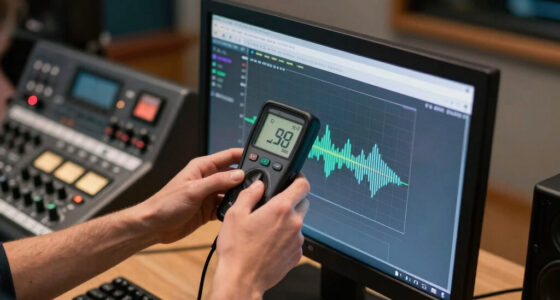
Beyond basic EQ and referencing, specialized tools can help you anticipate and correct bass issues before finalizing your mix. Environment simulation plugins like Sonarworks SoundID Reference allow you to model how your track will sound in different settings, including a car interior. These tools analyze your mix and apply filters that mimic the resonances, reflections, and EQ boosts typical of vehicle interiors. By doing so, they reveal hidden low-end buildup or resonance issues that might otherwise only be discovered after listening in the car. Incorporating these simulations early helps you make more accurate adjustments—like reducing certain frequencies or tweaking the overall balance—so your mix translates smoothly in real-world environments.
Additionally, volume levels significantly influence perceived bass. Listening at different volumes—especially lower levels typical of in-car listening—can expose issues that aren’t apparent at higher volumes. Dynamic EQs and volume automation can help maintain clarity and punch at various listening levels, ensuring your low end remains controlled and balanced across environments. Recognizing how perceived bass shifts with volume allows you to craft mixes that sound good whether played softly or loudly, ultimately improving translation and consistency.
Frequently Asked Questions
Why do my mixes sound perfect in the studio but bass-heavy in the car?
Studio monitors are designed to be flat and neutral, but car systems often boost bass frequencies to compensate for road noise. This mismatch causes your mix to sound bassier and muddier in the car.How can I make my mixes sound better in the car without buying new gear?
Use EQ to reduce excessive bass, reference your tracks on different systems, and employ simulation plugins that emulate car acoustics. These steps help you identify and fix bass issues before finalizing your mix.Are there tools to help me simulate how my mix sounds in a car?
Yes, plugins like Sonarworks SoundID Reference and other environment emulators can mimic car acoustics. They give you a preview of how your track will translate, making it easier to adjust accordingly.Should I start mixing with the car environment in mind?
It’s a good idea to reference your mix on multiple systems, including in the car, rather than exclusively mixing for one environment. This approach helps your music sound balanced everywhere.How much bass reduction is enough to fix a boomy mix?
Typically, cutting 2-4 dB around 60-80Hz can significantly tighten your low end and improve translation. Always listen and adjust based on your specific track and environment.Conclusion
If your mixes sound muddy and bassy in the car, it’s not your fault—it’s the environment. The key is to understand how car acoustics distort your sound and use targeted fixes like EQ cuts and environment simulations. Your goal? A punchy, clear low end that translates everywhere.
Next time you finish a mix, check it in the car or with a simulation plugin. Your tracks will sound more professional, and your fans will thank you for the clarity.
Halloween Picks
halloween
As an affiliate, we earn on qualifying purchases.